
We recommend submitting marketing requests with as much lead time as possible, ideally at least two months in advance, even if you don’t have all of the details yet!
For event materials checkout, please email events@pugetsound.edu directly.
The Office of Marketing & Communications (MarCom) recently transitioned from Lytho to our new project management system, Wrike. If you have our Lytho project request form bookmarked, please update it to our new form.
Wrike is a project management platform that MarCom uses to receive project requests and gather critical feedback and approvals on projects as they near completion.
If you’re interested in getting assistance from our team, submitting a Wrike request form is the way to do it!
Submit a request
To begin a new request, submit the Marketing and Communications Project Request form. Please provide as much detail as you can and include any relevant links or documents to help us process your request. The MarCom team will evaluate your request and may schedule a discovery meeting or make recommendations on how we can best support your goals.
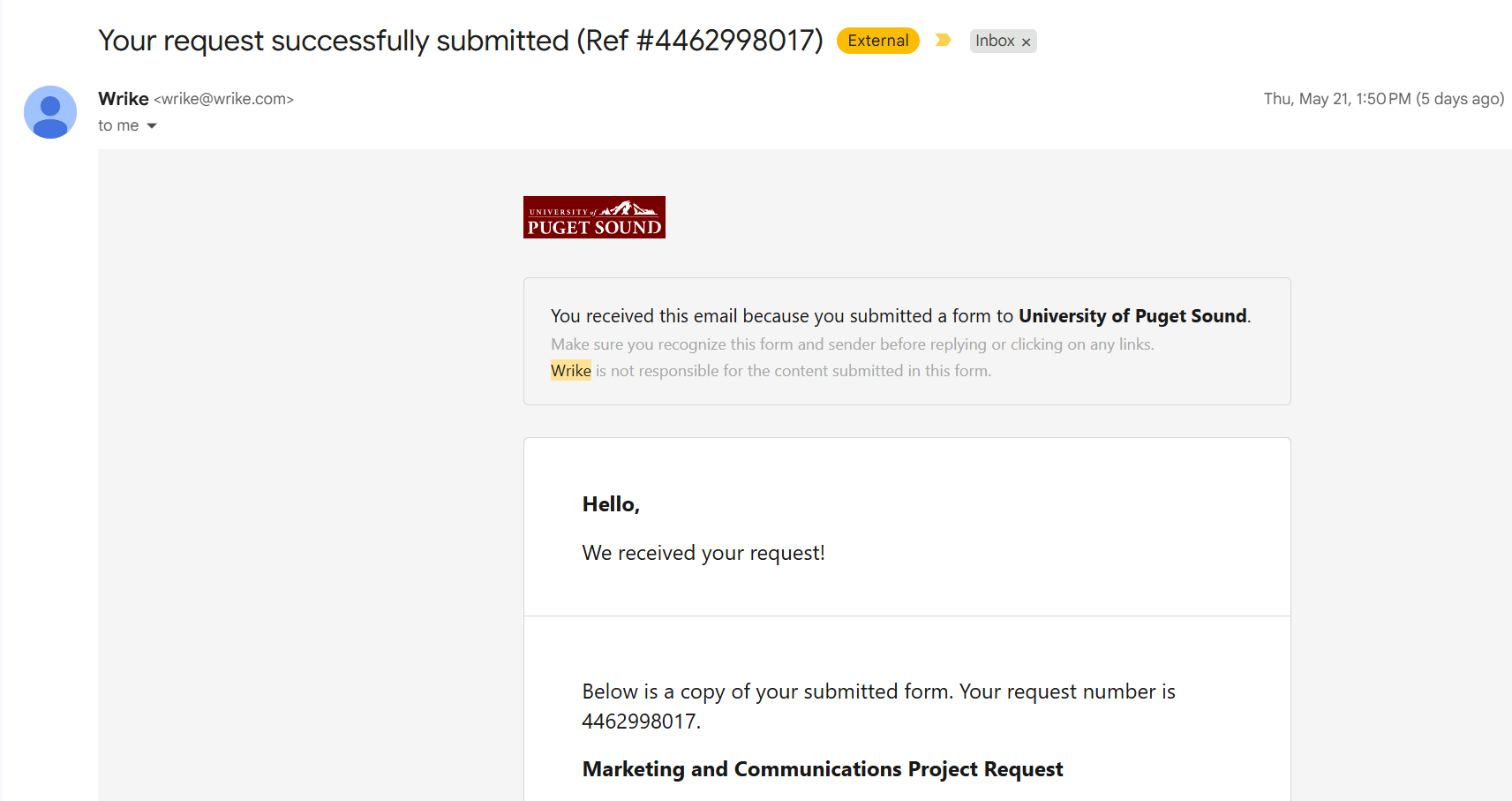
Once your request is submitted, you will receive a confirmation email from Wrike with the subject line “Your request successfully submitted [request number].” You can reply directly to this email and your message will appear on your request in our system. When MarCom team members message you about your request in Wrike, you will receive them as a reply to this email thread.
If the MarCom team needs more information (e.g. the date and location of an event for an invite), we may need to extend the request timeline until we have all of the pertinent details.
Provide feedback and approvals
When a project is ready for your review, you’ll receive an email with the subject line “Please review assets from [project name]” Click on the Proceed to Review button in that email. You’ll be taken to the review interface within Wrike to provide feedback.
Providing feedback
Access to reviewing files in Wrike expires after a set time period for security purposes. If you have trouble accessing your files for review, please let us know.
When reviewing an asset, provide feedback by marking up the assets using the annotation tools in the bottom toolbar. Create a separate comment or annotation for each piece of feedback. To tag someone specific in an annotation, type “@” and a list of team members and guest reviewers will appear. Click Send to save your markup.
Once you have finished reviewing your assets, choose Approve if there are no requested changes or Changes Required when edits are needed.
Our team may respond to your feedback or tag you in comments on the asset. You will be notified of these comments through Wrike by email.
Provide actionable and clear feedback.
| Vague feedback ❌ | Actionable and specific feedback ✅ |
|---|---|
|
“Change photo” “I don’t like this photo” |
“Please use a photo from this year’s event” “Switch this exterior photo to an interior photo” |
| “Use a different word here” | Remove “Eager” and replace with “Energetic” |
Make sure that any conversations or questions are resolved so it’s easy for the MarCom team to understand the final edit to make. If you agree with a comment a teammate has made, “like” the comment to show your support.
Questions
Thanks in advance for using the Wrike platform to submit project requests and feedback to the Office of Marketing & Communications! If you have any issues with or questions about Wrike, please contact Megan Brady (mebrady@pugetsound.edu).